AI for UX Ops
Experimenting with agentic flows
I’m contributing to an ongoing, experimental initiative exploring how AI can transform UX operations. The goal is to automate design workflows, which can result in better compliance (accessibility, security, privacy) while provide predictive insights for design and engineering decisions.
My work focuses on building and integrating AI-driven features into the design lifecycle, focusing scalability and reliability while pushing the boundaries of what’s possible in design automation.
What is UX AI Ops?
UX AI Ops applies AI-driven automation and intelligence to UX workflows, enabling:
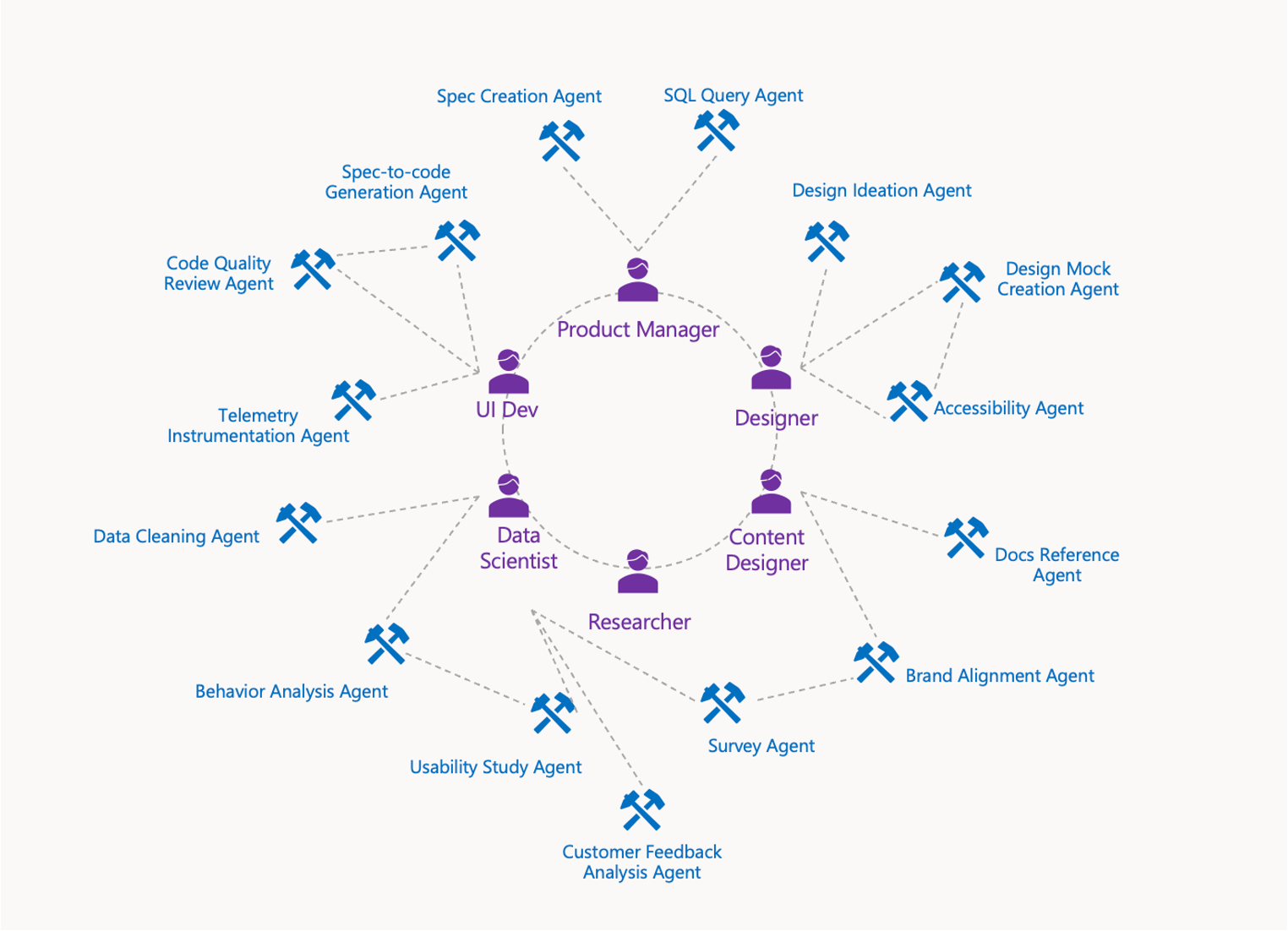
Predictive insight agents
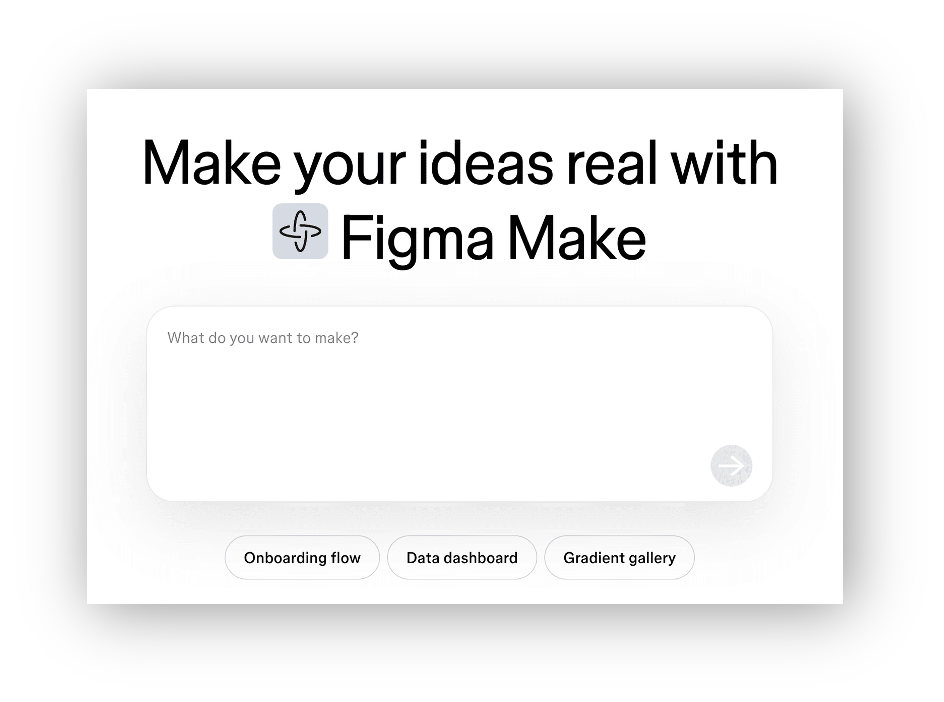
Figma design agents
Accessibility check agents
Prototyping design-to-code agents
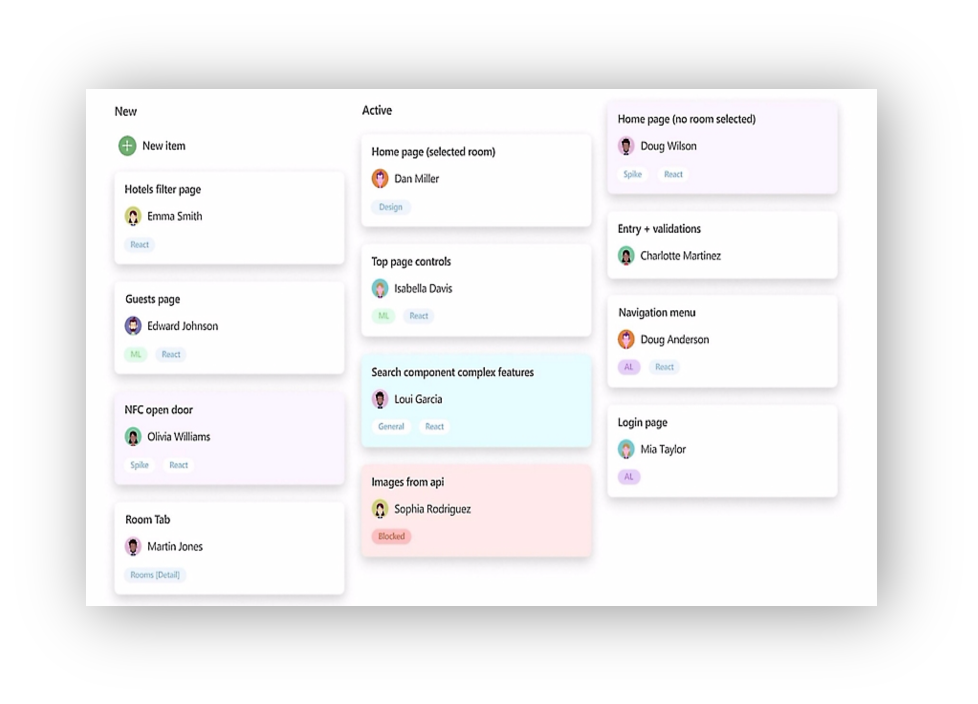
Copilot to contribute to engineering backlogs
UX AI Ops will support design teams by integrating AI into their daily workflows, reducing friction and enabling faster iteration.
Opportunity
With the emergence of AI being integrated into everyone’s workflows, we have a unique opportunity to use Microsoft powered agents to streamline the design lifecycle. The goal of this initiative is to automate processes like PM data analysis, design workflows, and compliance requirements like accessibility / privacy / security.
My work focuses on building and integrating AI-driven features into the design lifecycle, focusing on operationalizing and scaling agents while pushing the boundaries of what’s possible in design automation. Like any agentic workflow, we seek to reduce inefficiencies and improve quality for customers.
Ideation
At this stage I had just returned from a 5 month maternity leave, and I came back to this new world of agents. And what I lacked in AI expertise, I made up for in operationalizing tech - in terms of hosting, securing, platforming.
I started meeting with partner teams to discover their POC agents
I cloned repos for myself to get a sense for what these POCs were capable of. Almost all of these were local projects, using dummy data, to accomplish their goals.
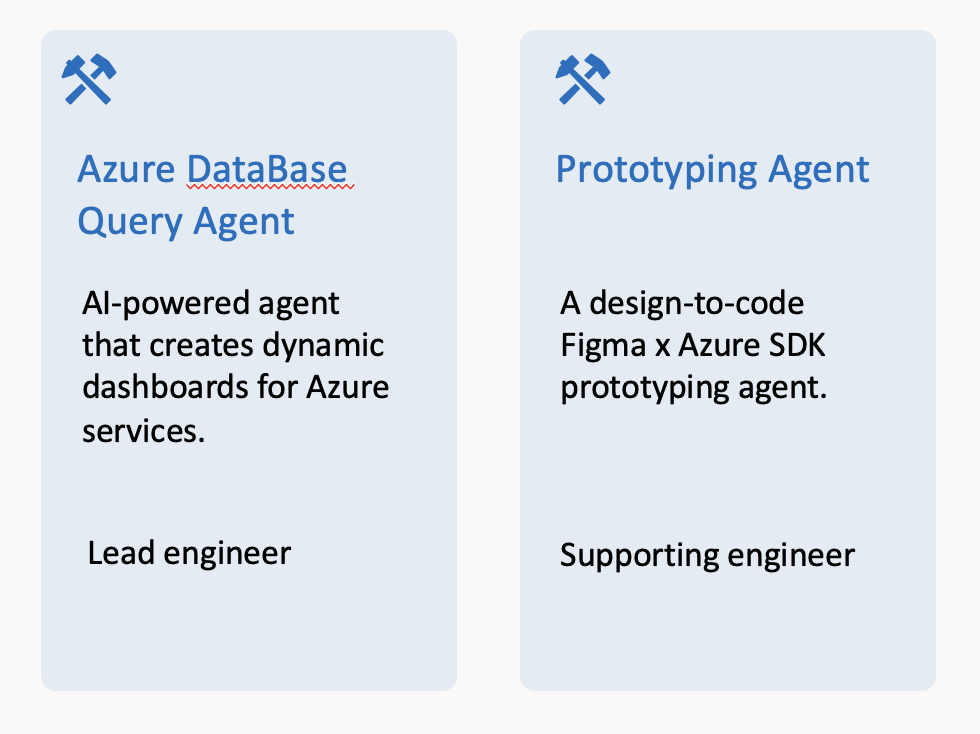
Partnering with 2 other engineers, we evaluated agents at our disposal against what could yield the highest impact for our design studio with the ultimate goal of operationalizing these agents.
I then spearheaded the Database Query Agent and oversaw the Prototyping agent while others worked on customer and research insights
Experimentation
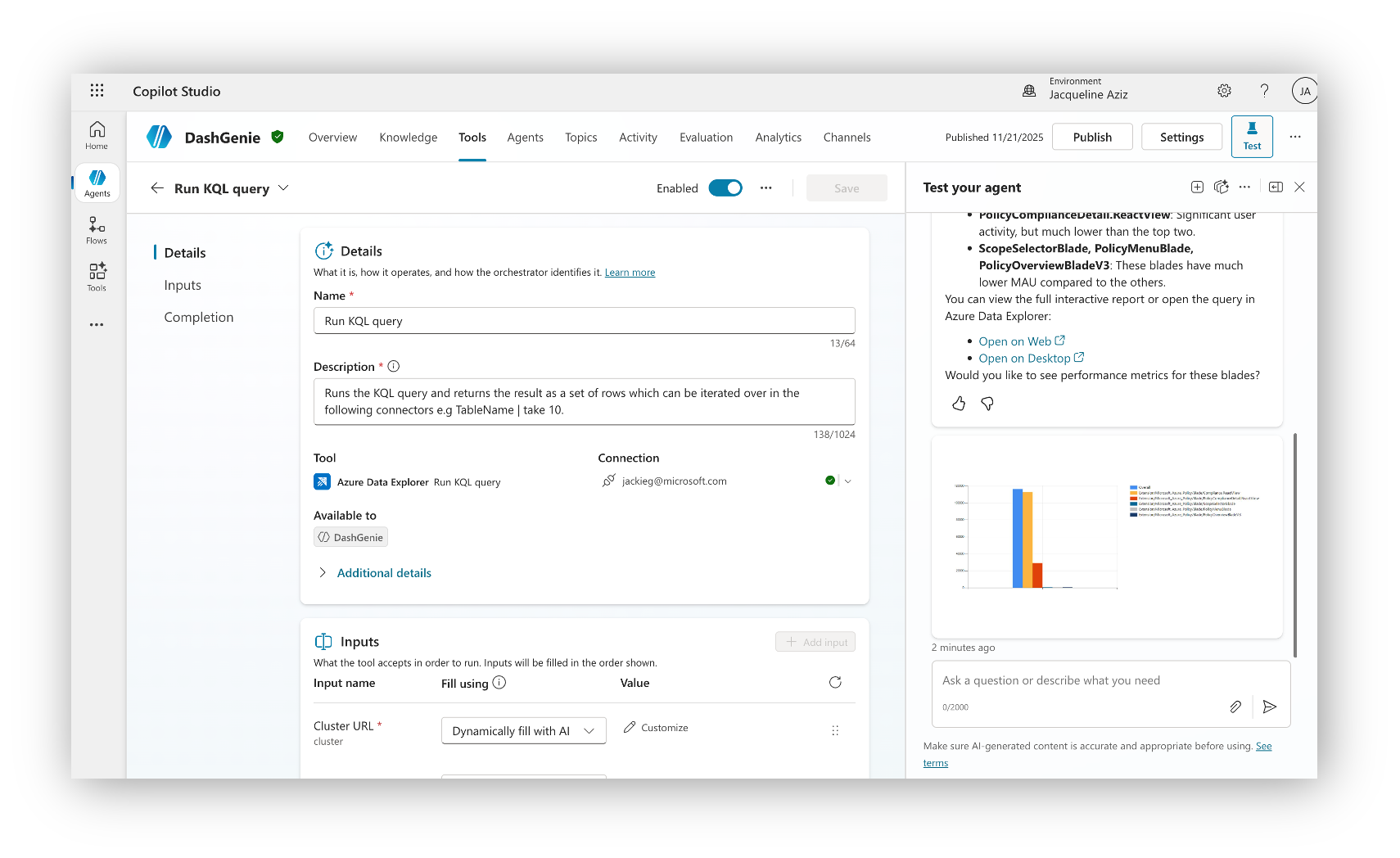
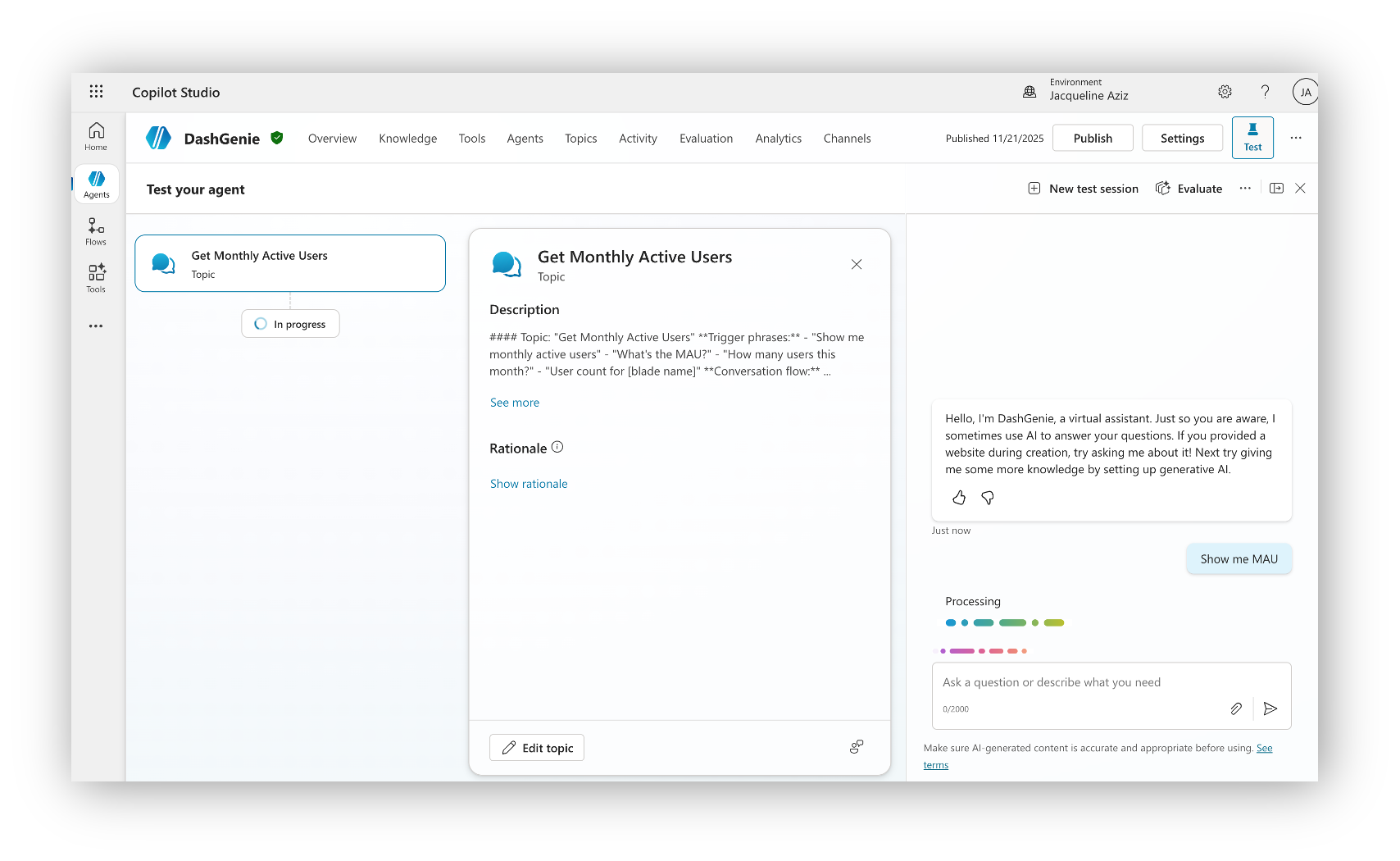
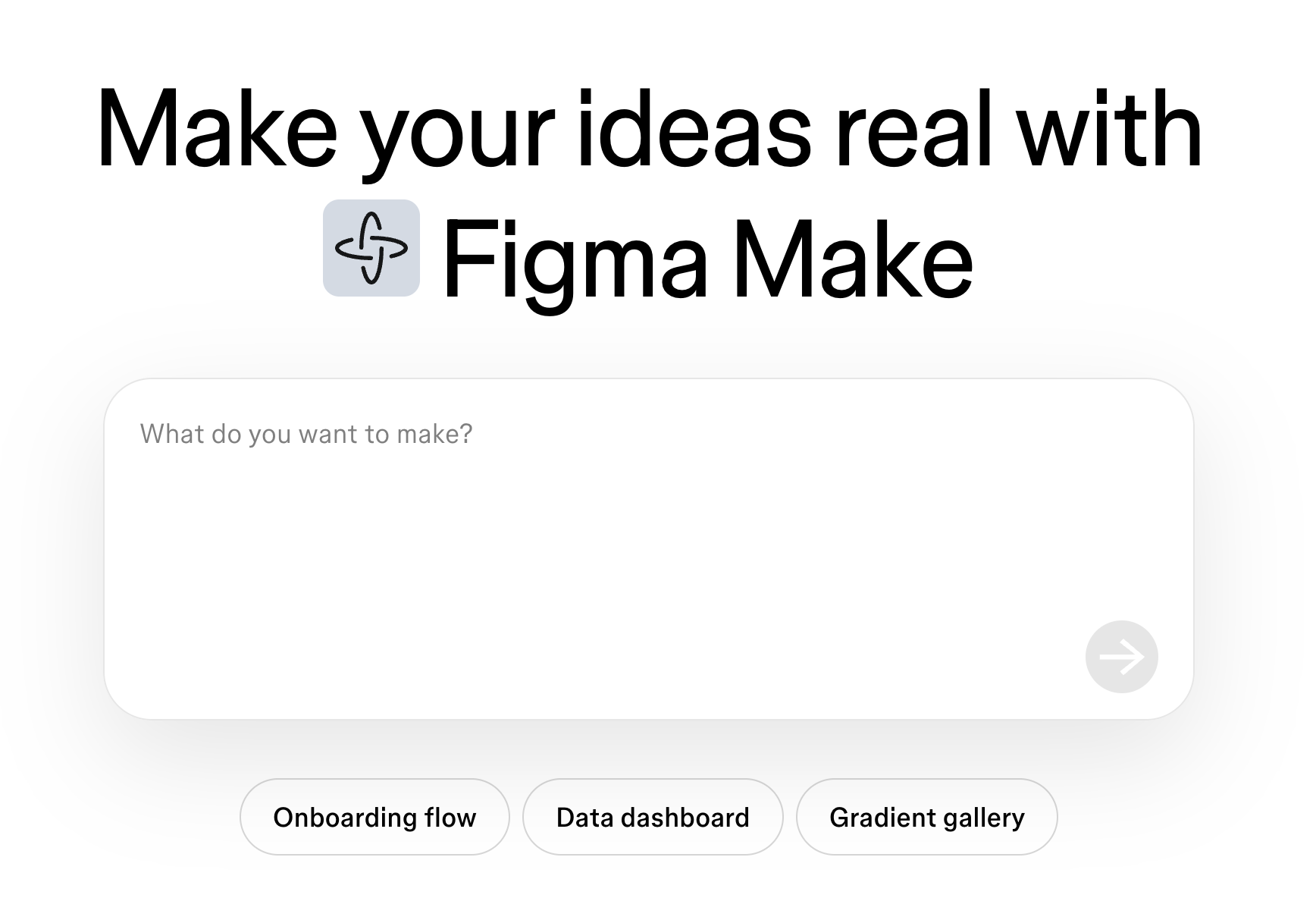
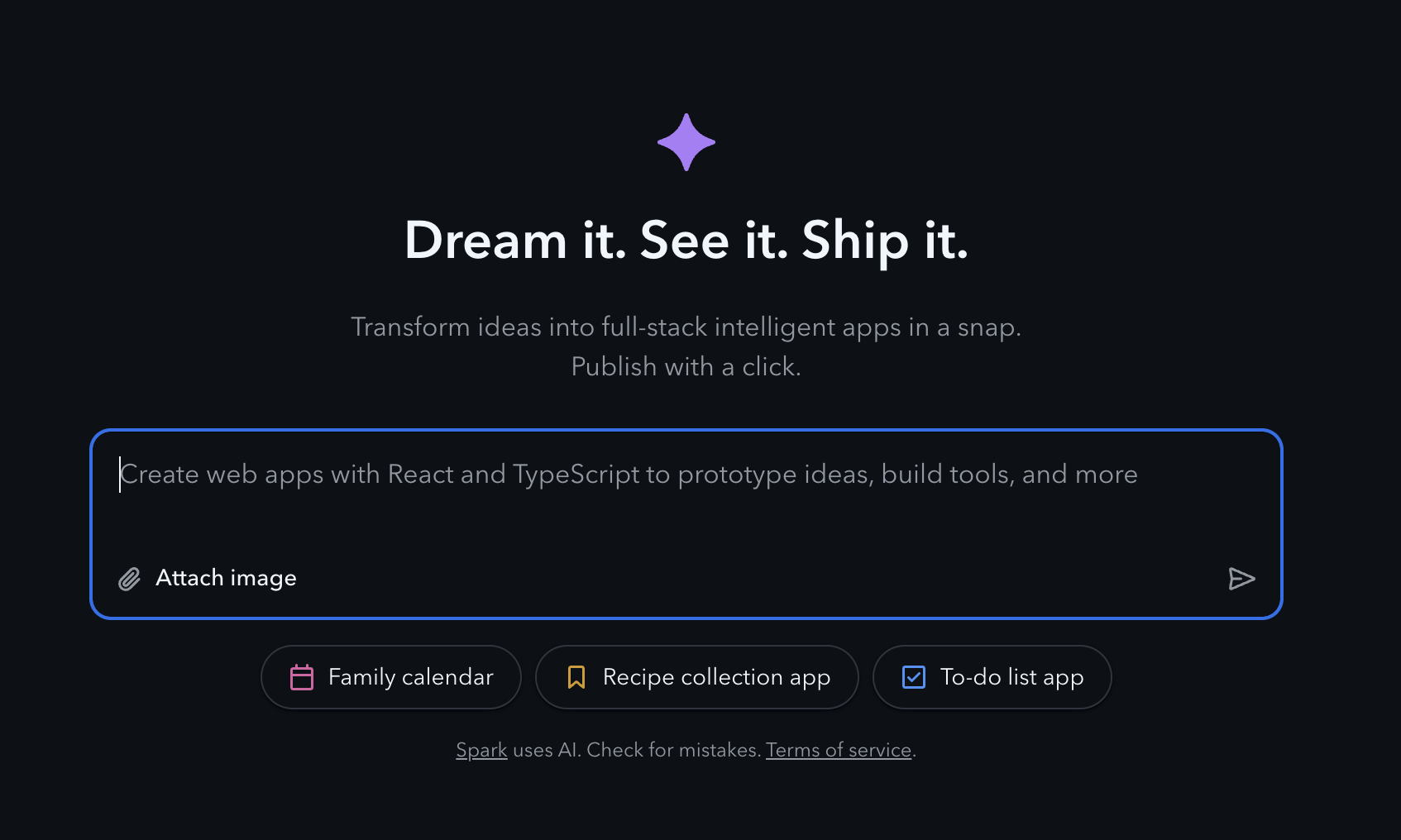
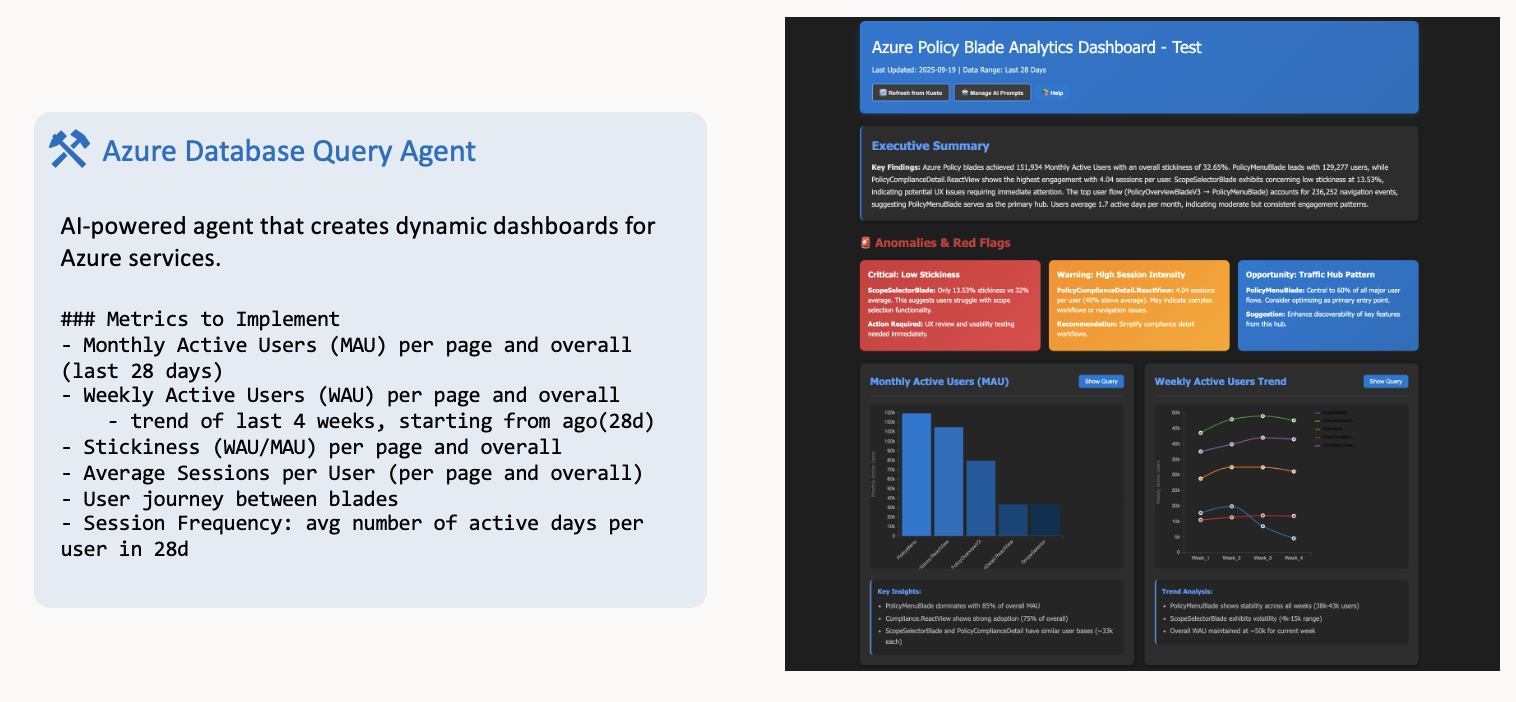
What was handed off to me: A low code / no code visual studio project that was created using copilot. This project was able to take static data, exported from Microsoft's database Kusto Query Explorer, and using natural prompts like "show me MAU" or "show me load times" create queries AND display complex dashboards showcasing the data visually.
Because there is a lot of overhead for a alone site like this, I opted for using the logic and guardrails from the prototype into Copilot Studio instead.
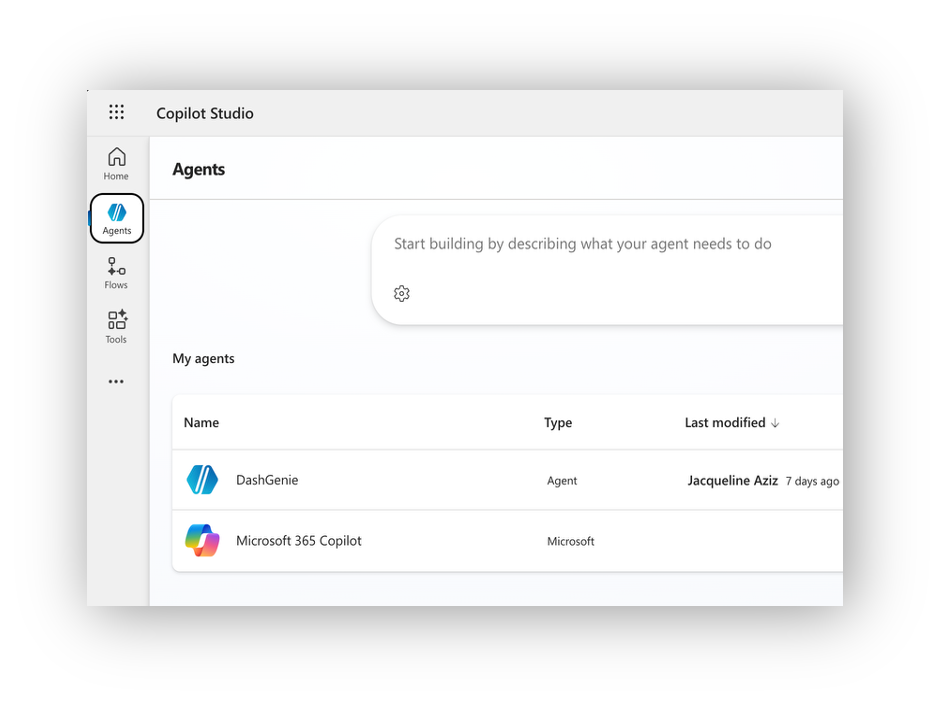
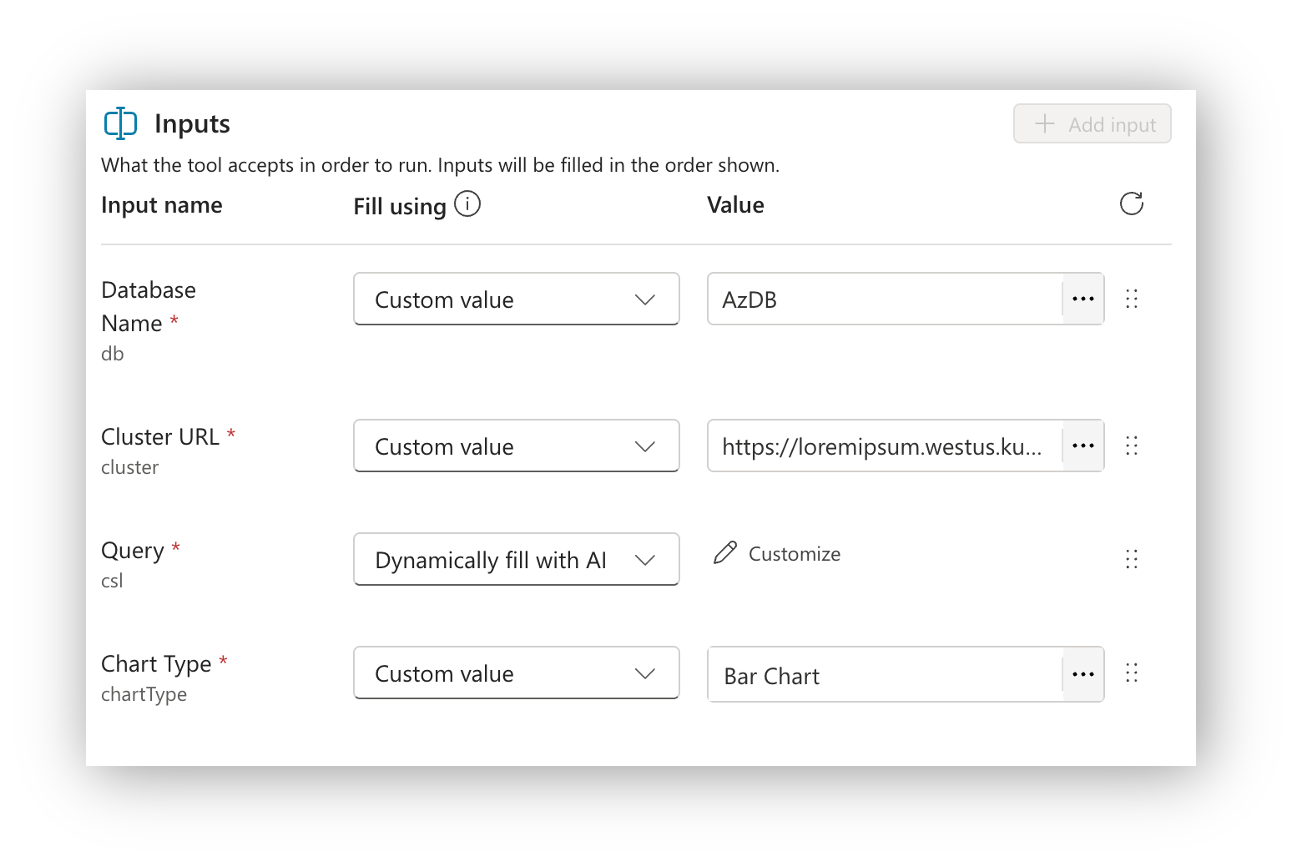
I experimented with the offerings provided by Copilot Studio - including targeting specific databases, specifying responses, and selecting publishing locations.
The tricky part came when trying to connect with other services. Service principals and certs are required.
This is where the solution is no longer "no code", and instead, is "low code". There is technical maintenance required, especially with maintaining connections between your agent and your databases, which is all dependent on your orgs policies.
Initial wins
Simplified the database querying & dashboard creation process
Centralized access to the org through one agent, instead of requesting access to DBs / dashboards one by one
Looking forward
Deploying to Teams app: Security and policy hoops
Maintaining the service connection in any environment (permissions)
Improving upon how much query logic is provided vs AI generated queries